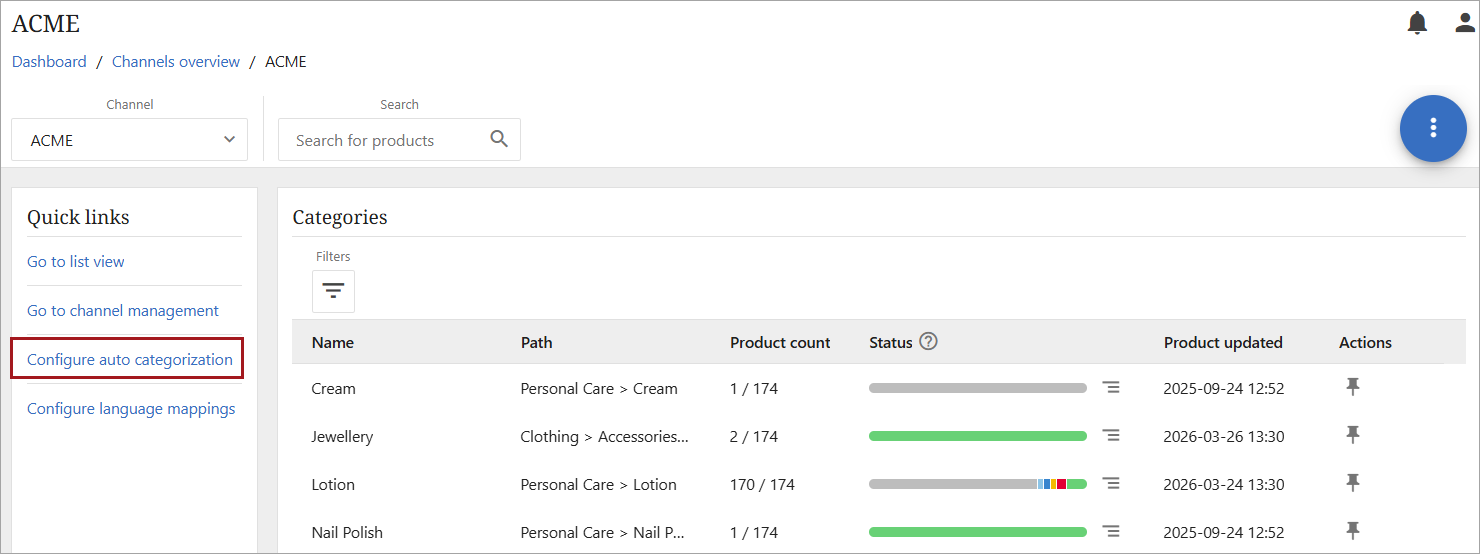
The auto categorization menu can be accessed directly from the link in the 'Quick links' of the Channel Dashboard.
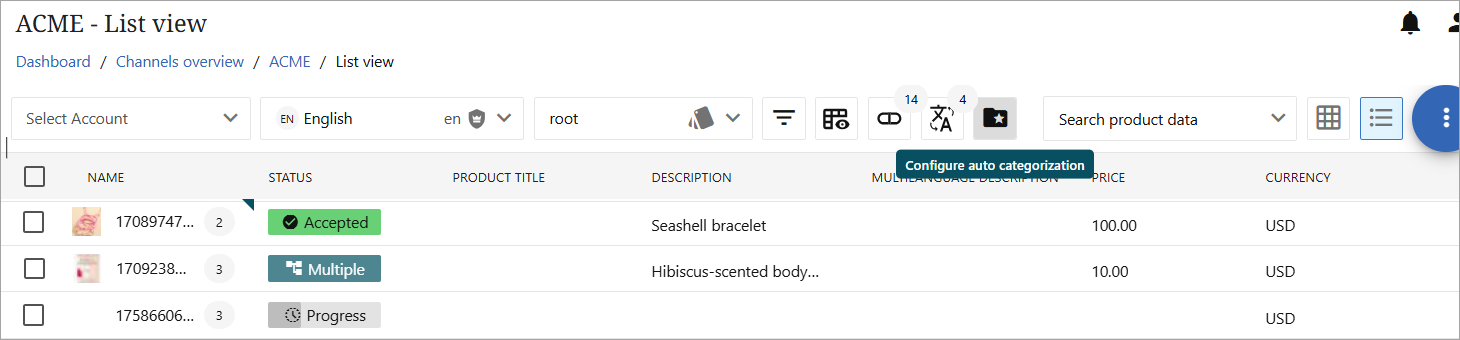
The auto categorization menu can also be accessed through either grid view or list view, and the process is the same in either view. For this topic, the channel has been opened in list view.
Click the folder with a star icon to open the 'Configure auto categorization' function.
Clicking the 'Configure auto categorization' icon will open the auto categorization screen where a user can add, delete, or modify a channel rule, a category rule, or a scheduled rule.
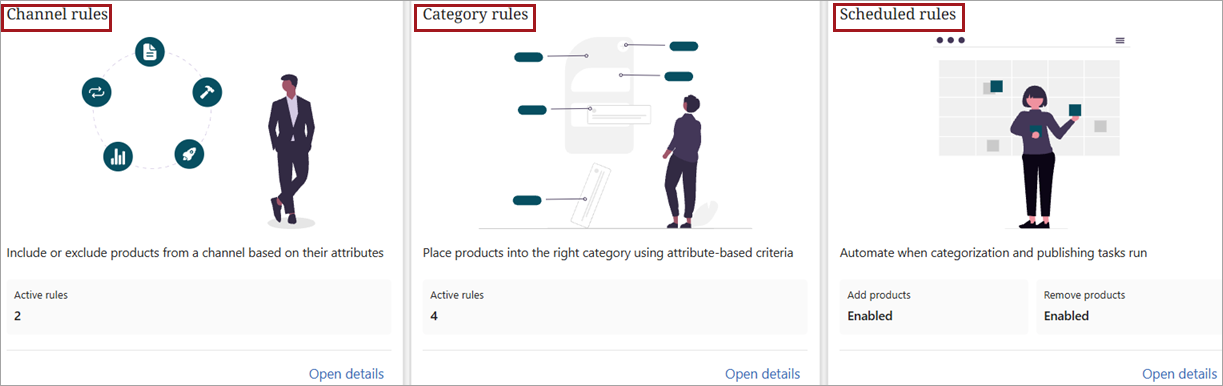
Additional information on creating the specific rules described above can be found in the following topics:
-
Channel Rules
-
Category Rules
-
Scheduled Rules