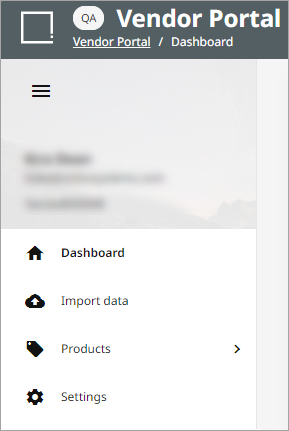
The Vendor Portal is a supplier-facing web application that lets vendors (suppliers) interact with a specific retailer’s onboarding channel without using the full PDX main application. It is tied to a singular retail onboarding channel that suppliers select upon logging in. Its purpose is to provide a simplified product onboarding experience for suppliers that don’t want to manage full master-data mapping or complex imports.
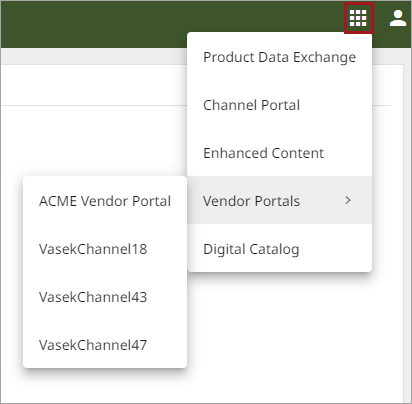
To access a Vendor Portal, navigate to the application menu ( ), hover over ‘Vendor Portals,’ and select the appropriate channel context from the list. Alternatively, it can be accessed through a direct URL provided by the retailer.
Note: Retailers can find the URL in the Vendor Portal Settings widget in the Channel Portal. Refer to the Vendor Portal Settings topic for more information.
Information on the Vendor Portal Menu options can be found in the following topics: