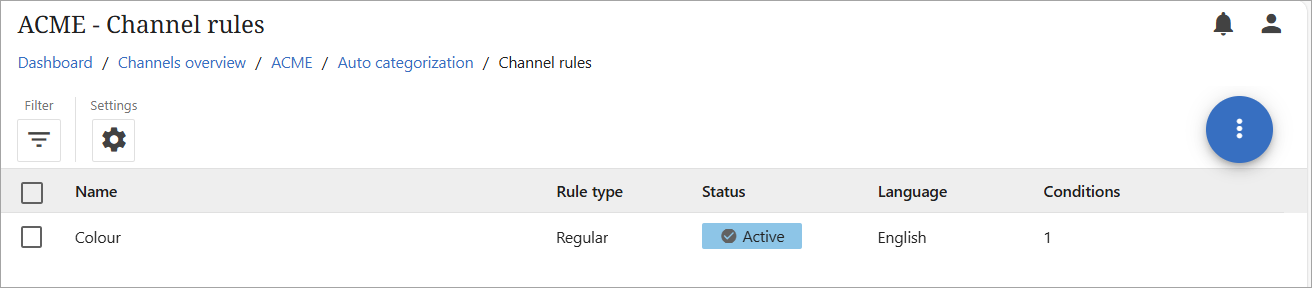
When auto-assignment rules are no longer relevant they should be deleted. The process for deleting channel rules and category rules is very similar. The steps below are for channel rules however the steps also apply to category rules. To delete one or more rules from a channel, follow the instructions below.
-
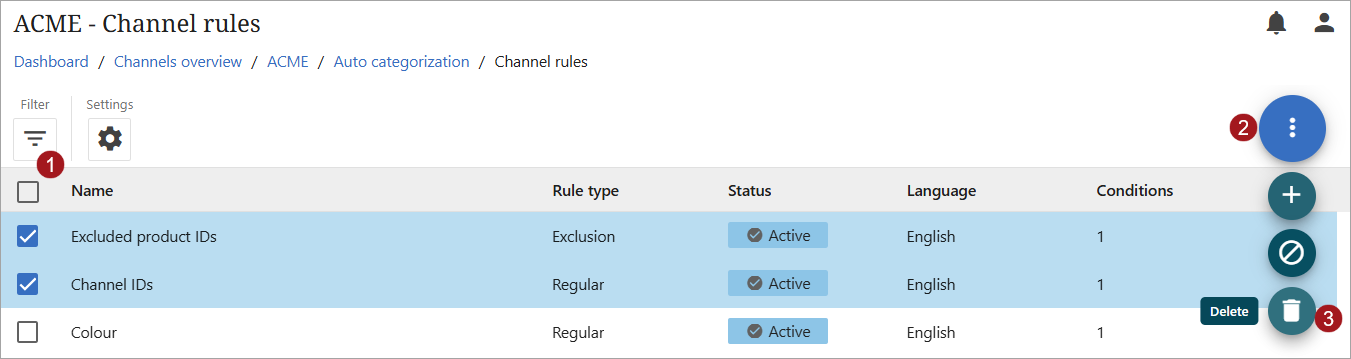
Check the box to the left of a rule's name. Multiple rules may be selected for deletion.
-
Click the kebab menu to open the list of actions.
-
Click the delete icon (
 ).
).
-
A popup will open asking for verification of the requested deletion(s). Click the 'Yes' checkbox and then click the 'Delete' button.
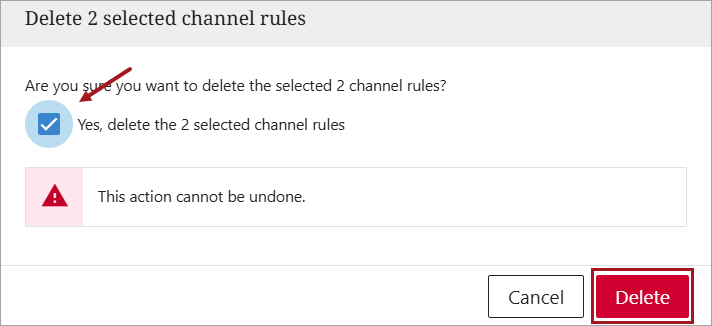
Important: All rule deletions are permanent and cannot be reversed.
The rule(s) will be deleted and no longer appear in the list of rules for the channel.