The Process Overview in the Channel portal displays the processes initiated by the datastandard sync.
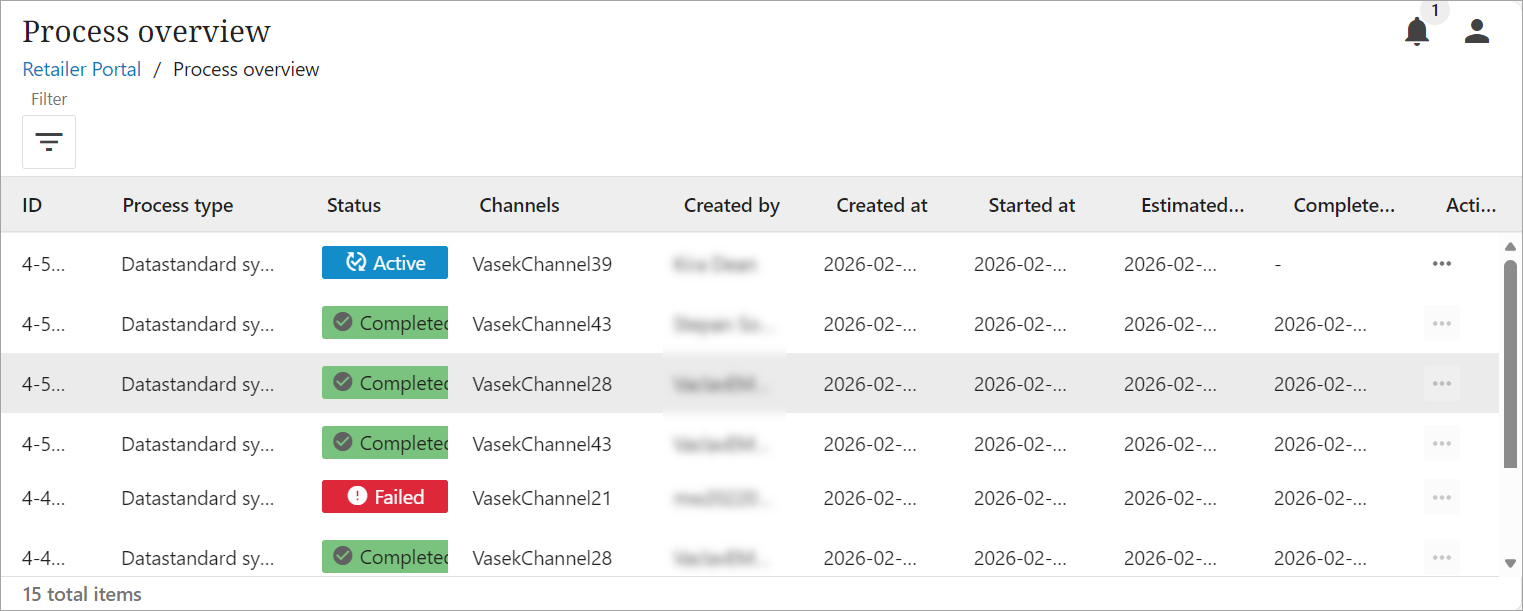
The Process overview screen allows retailer admins to review a history of processes that have run for any active, completed or failed updates. Clicking on a row provides a high-level overview that includes the start and finishing times of a process, who triggered the process, and the process ID for any active, completed, or failed updates.
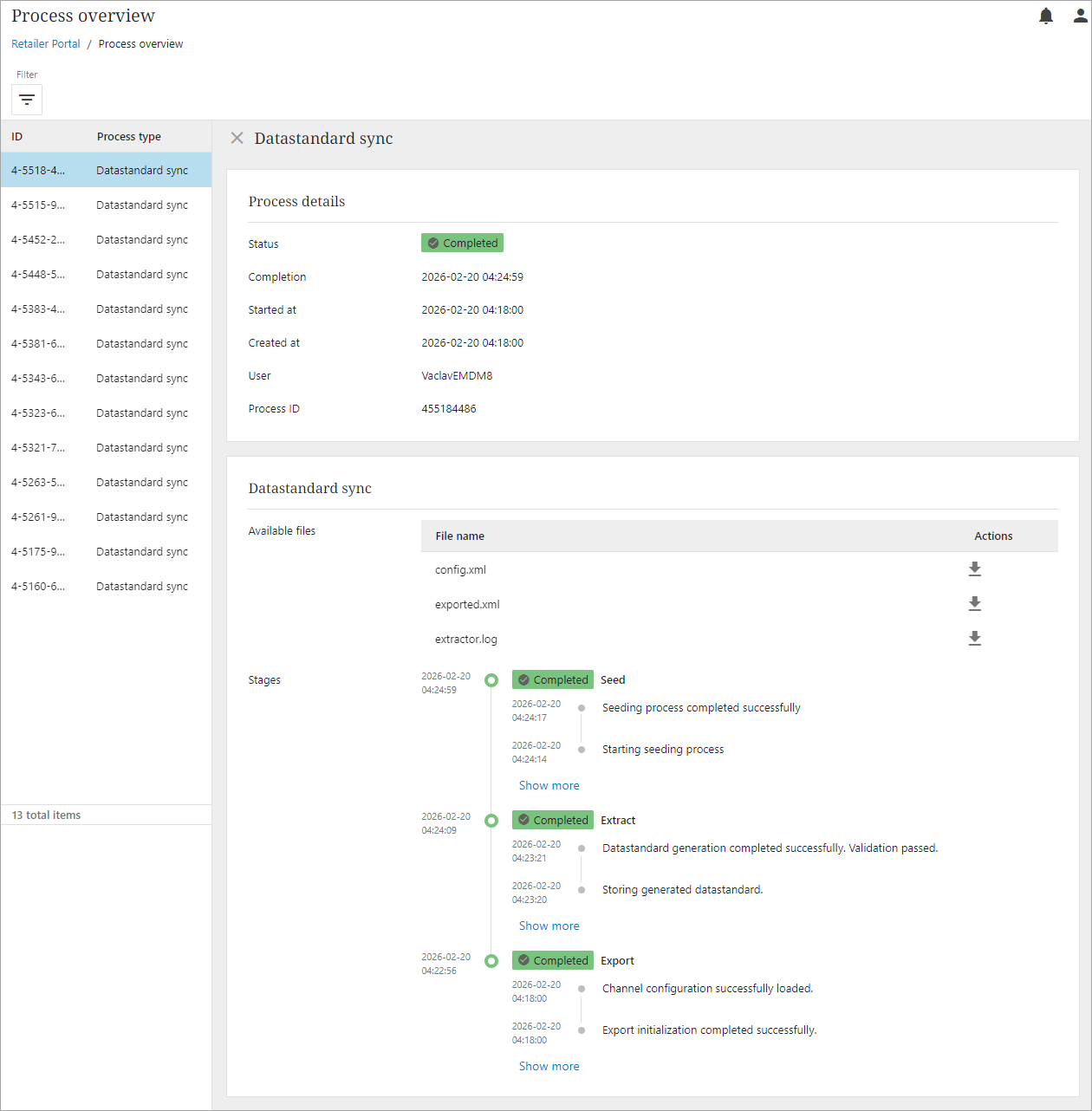
For any completed process, there are three available files for download. These files provide a low-level overview of:
-
Config.xml – allows user to view the xml request sent to the STEP system during the datastandard sync update
-
Exported.xml – allows user to view all items processed by the datastandard sync update
-
Extractor.log –log file that allows the user to view a history of events, actions, and messages generated by the STEP system during the datastandard sync.