The Datastandard settings widget for a Channel Portal displays the dates and times for the last and next datastandard updates as well as the health of the last update between PDX and the STEP system.
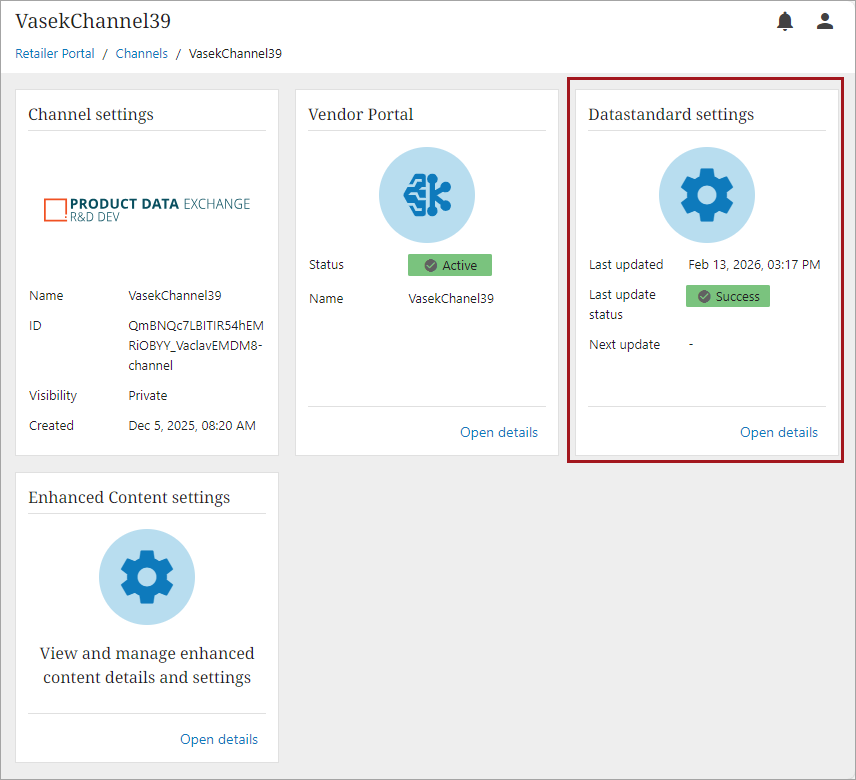
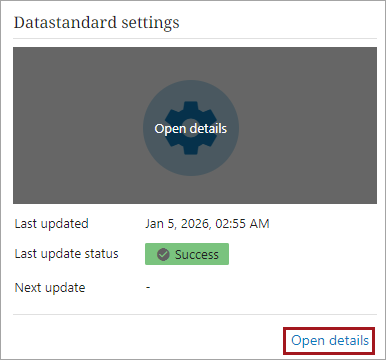
You can hover over the icon and click the 'Open details' button to navigate to the Datastandard settings. Alternatively, you can click the 'Open details' button on the bottom right of the widget.
Datastandard Settings Configuration
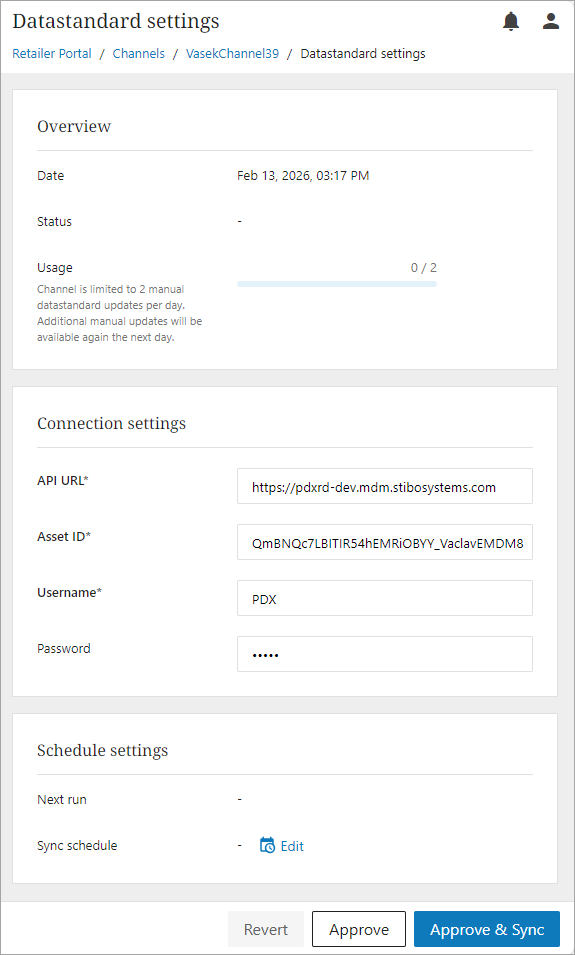
The configuration for Datastandard settings is split into multiple sections:
-
Overview: The overview of the datastandard settings provides information on the last run datastandard sync.
-
Date: when the datastandard sync was last run
-
Status: status of the datastandard sync configuration
-
Success
-
Failure
-
Partial Success
-
-
Usage: displays the number of times a manual datastandard sync has been run.
Note: A channel is limited to two manual datastandard updates per day on a production environment and ten manual updates per day for a pre-production environment.
-
-
Connection settings: These settings allow an admin to connect the PDX system to the STEP system.
-
API URL: URL of the STEP system
-
Asset ID: PDX channel configuration asset ID. This is defined when the channel is created.
-
Username: Service user defined in the STEP system.
-
Password: Password of the service user that is defined in the STEP system.
-
-
Schedule settings: This section allows an admin to configure a schedule for running the datastandard sync updates automatically. It also defines when to expect the next update to run.
-
Click the calendar edit icon (
 ) to pull up the Schedule settings window and build a schedule.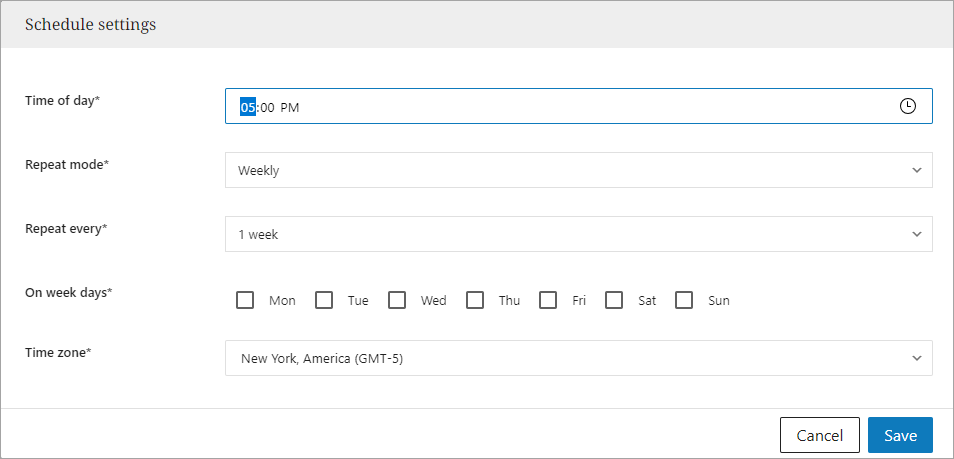
-
Click the Save button to save the schedule.
-
Click the Remove icon (
 ) to delete any existing schedules.
-
-
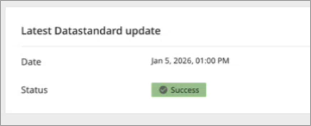
Latest Datastandard update: Provides the date and status of the last run datastandard sync.
-
Choose an option to finish the datastandard configurations:

-
Revert - discards any changes and restore the last saved settings
-
Approve – saves all configurations
-
Approve & Sync -saves all configurations and manually kicks off a datastandard sync
-