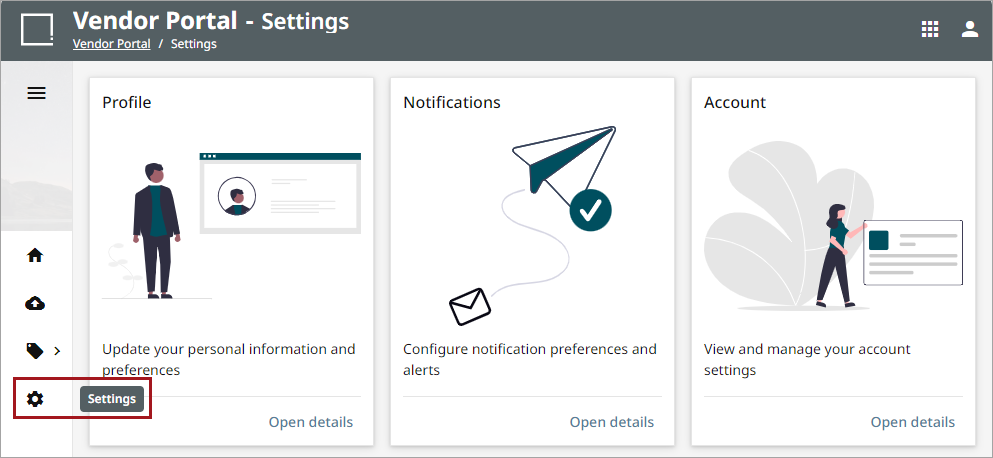
The Vendor Portal Settings allows a user to view and manage personal information, notifications, and account settings. For more information regarding the Vendor Portal, refer to the Vendor Portal topic.
Profile
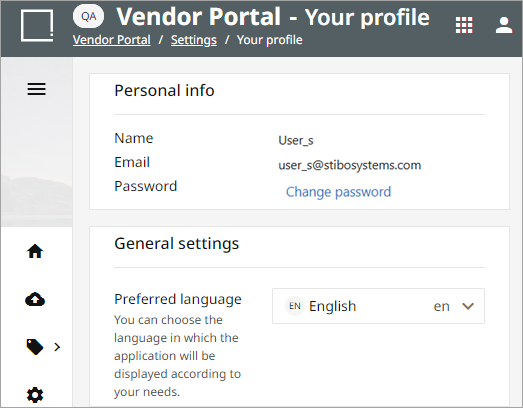
This setting allows a user to manage the general settings and login information.
-
Personal info: shows user name, email, and an option to change the existing password
-
General settings: provides option to select the preferred language for the account
Notifications
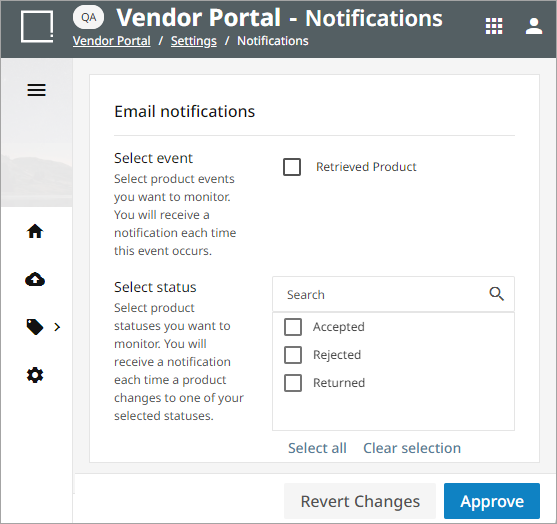
The ‘Notifications’ settings can send email updates to the user for products events occurring for products added to a channel through a Vendor Portal. The user has the option to select which statuses from which to receive notification emails.
Account Settings
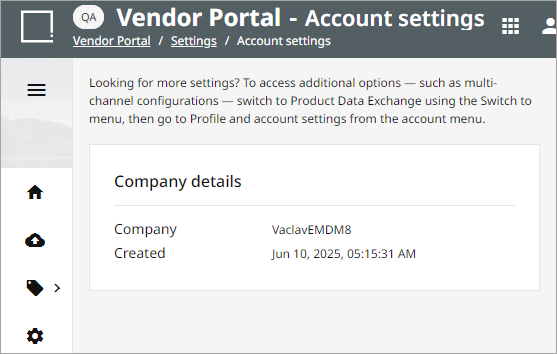
Provides general information about the company of the user.