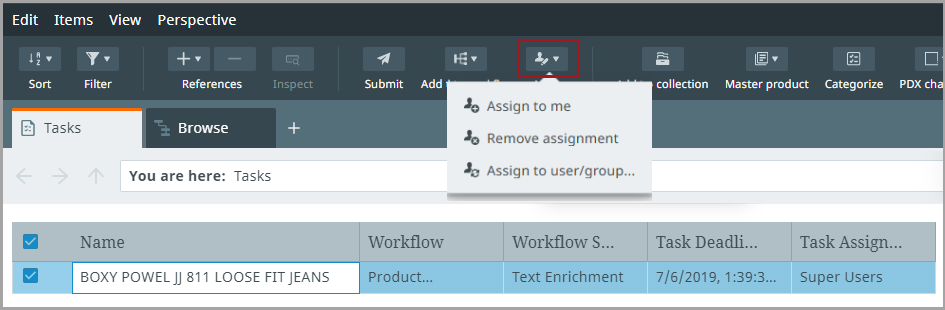
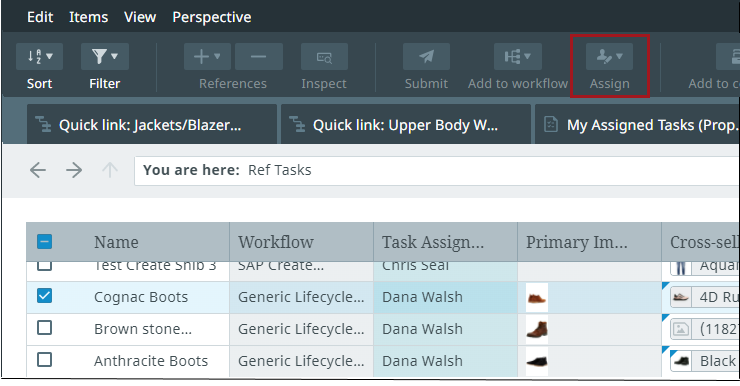
You can use the Assign button to assign a task to yourself or others, remove an assignment, or assign a task to a group. To assign tasks, select one or multiple tasks from a Tasks perspective and click the Assign button.
A context menu displays, allowing you to select how to change the task's assignments.
-
Selecting Assign to me will assign the task(s) to you
-
Selecting Remove assignment will remove the assignee from the task
-
Selecting Assign to user/group will open up an assignment menu where you can select a user or group