The Import Data menu option in the Vendor Portal allows the supplier to quickly upload a file with product data. This option assumes the supplier already has a template for upload. If needed, a template can be obtained in the ‘Create products in bulk’ section of the Vendor Portal Products topic. The supported formats are:
-
.xls
-
.xlsx
-
.xlsm
-
.csv
-
.json
-
.zip
For more information regarding the Vendor Portal, refer to the Vendor Portal topic.
Importing data:
-
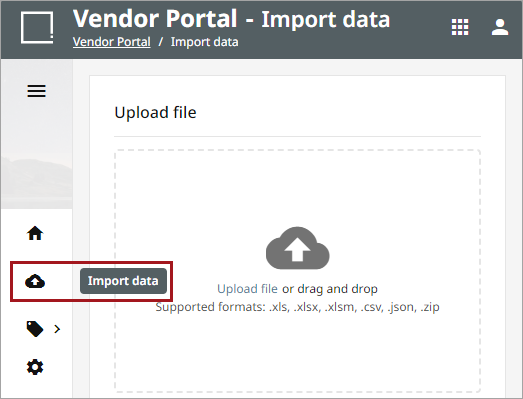
Select the 'Import data' menu option.
-
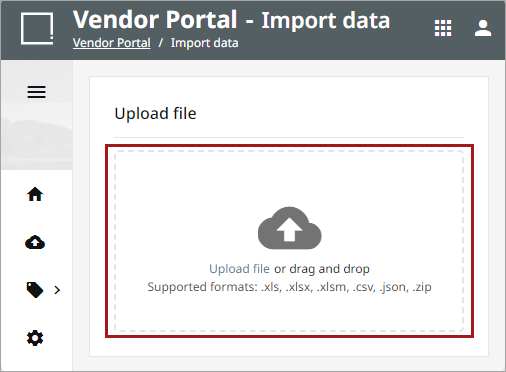
Upload file or drag and drop the file into the window.
-
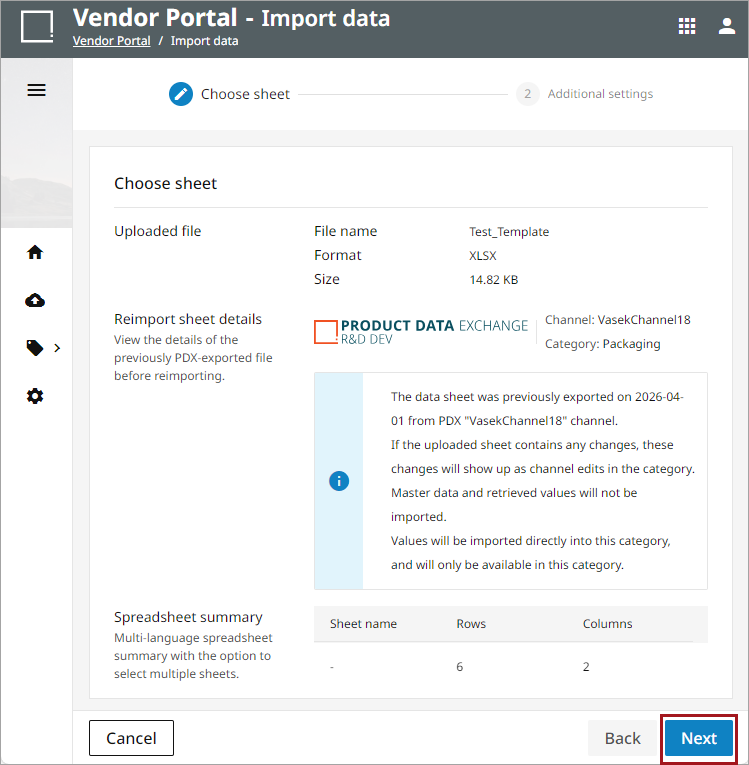
The spreadsheet title, file type, and file size will display as the uploaded file, with summary information below. If there is more than one sheet available to import, select the desired sheet, and click the 'Next' button.
-
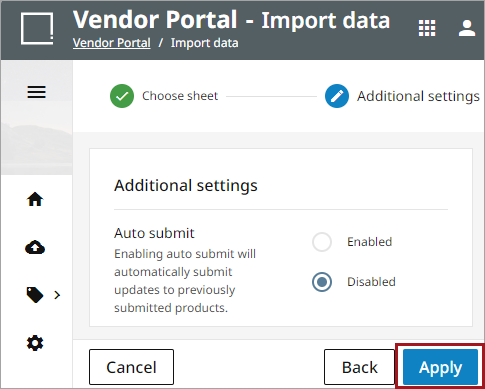
Select the applicable Auto submit setting and click the Apply button.